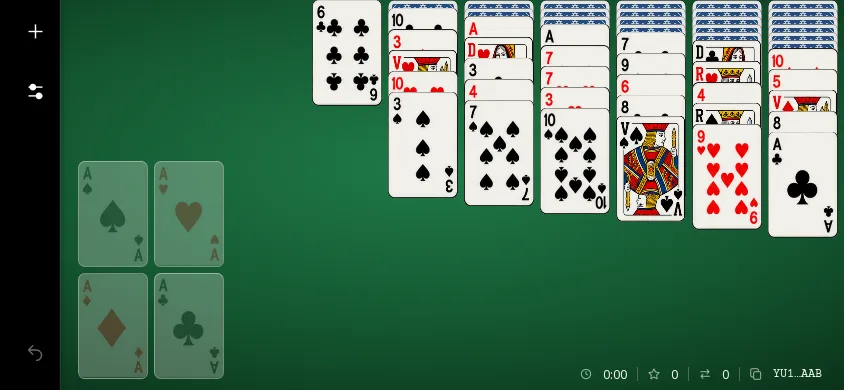
The Yukon Solitaire app
In brief
Available on the App Store (iPhone and iPad) and on Google Play (Android). The app is played in landscape orientation, with Classic or Relaxed rules, a code for each game and undo for the last 100 moves.
Where to download it
| Platform | Listing |
|---|---|
| iPhone and iPad (App Store) | View on App Store (new tab) |
| Android (Google Play) | View on Google Play (new tab) |
Links checked on October 30, 2026. The app is not available as a desktop version.
What the app does
- Yukon: 52 cards in 7 columns, no stock, 4 foundations; move a face-up card with all the cards placed on top of it, even if they are unordered (up to 20 cards at once); only a King can fill an empty column.
- Two rule sets: Classic (alternating colors, the default) or Relaxed (color no longer matters), selected in the New Game window.
- Game code: each deal has a code (for example, YU1-C-AAAAAAB) that you can copy, paste, or enter to replay the same deal or share it with someone.
- Undo the last 100 moves; take back a card placed on a foundation.
- Statistics: games, wins, streaks, time, moves, score and undos, plus a ranking of the 10 best results.
- Appearance: 4 felt backgrounds (sage green, slate blue, plum, sand), 5 card-back colors, light, dark or device theme; pinch to zoom; 36 languages.
Phone and tablet
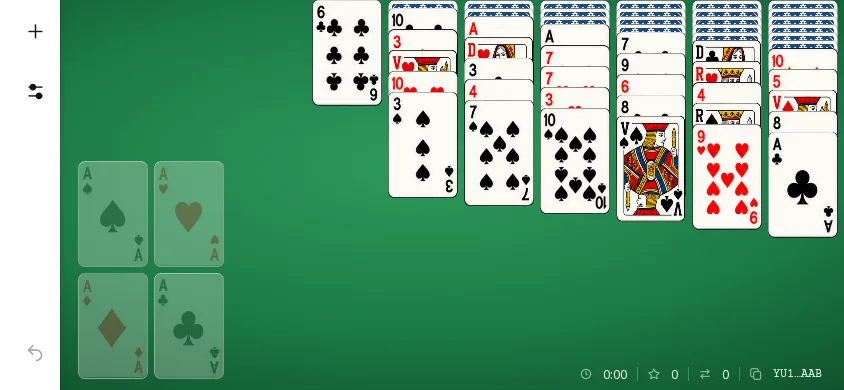
The images below are screenshots of the current app, shown at each screen's size in points, without enlargement.
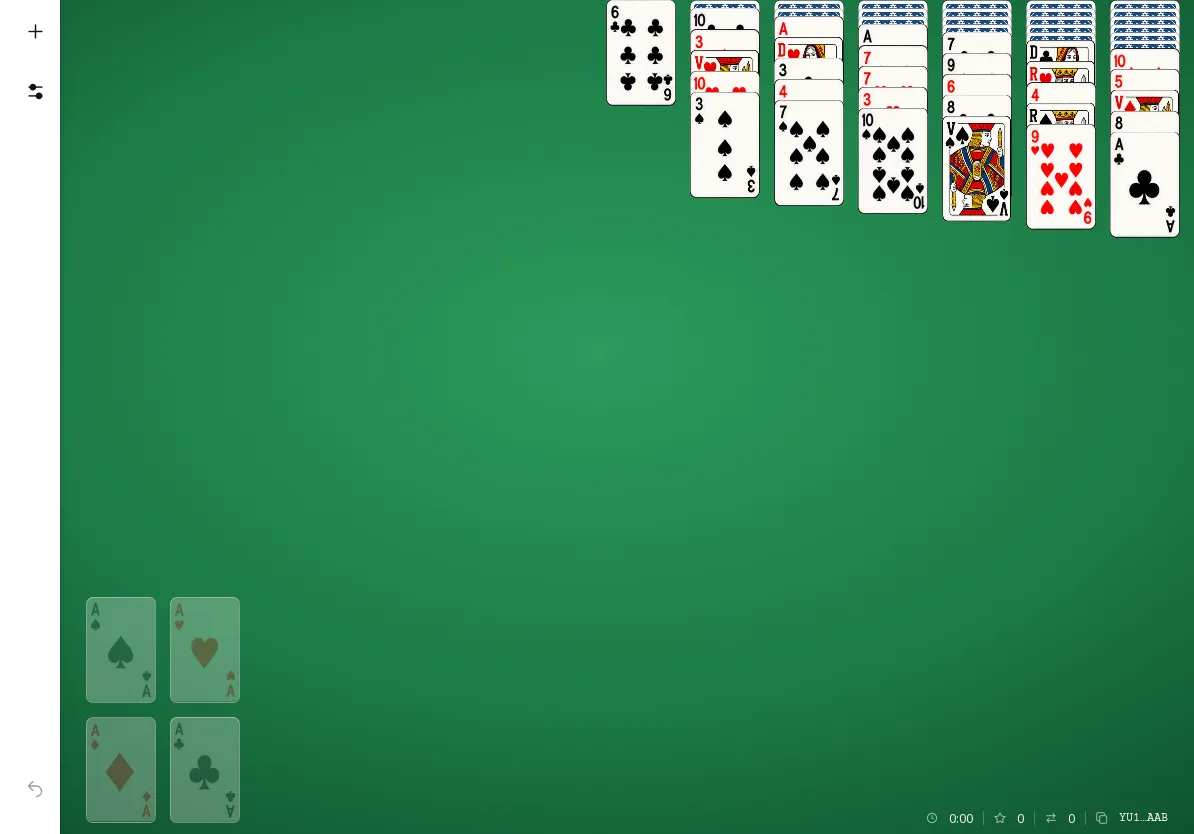
In dark theme